
What a Business Rule Actually Is
A Business Rule is a server-side script that runs at a defined point in a table's record lifecycle. It is the oldest, fastest, and most direct way to react to a database event in ServiceNow. Every other automation primitive (Flow Designer, Workflows, Scheduled Jobs) is either a wrapper around, or a sibling of, the Business Rule.
Business Rules live in the sys_script table. Each rule is bound to one table, one or more events (insert, update, delete, query), and one timing (Before, After, Async, Display). When the event fires, the platform invokes your script with current and previous objects already populated.
If you are new to ServiceNow automation and unsure when to reach for a Business Rule vs a Flow, start with our Flow Designer vs Business Rules guide.
The Four Timings and What They Are For
| Timing | Runs | Use For | Avoid |
|---|---|---|---|
| Before | Before the DB write, in the same transaction. | Validation, field defaults, aborting. | External REST calls, slow loops. |
| After | After the DB write, before response. | Related record updates, events. | Updating current. |
| Async | After commit, on a scheduler thread. | REST calls, heavy reporting work. | User-visible side effects. |
| Display | When a form loads. | g_scratchpad, form-time defaults. | DB writes. |
The Canonical Template
Every Business Rule script ServiceNow generates by default looks like this. Treat the IIFE wrapper as non-negotiable. It scopes current and previous, prevents leaking globals, and matches what Update Sets expect.
(function executeRule(current, previous /*null when async*/) {
    // Your logic here. 'current' is always populated.
    // 'previous' is null on insert and on async rules.
})(current, previous);
Stay disciplined about three things: never declare globals outside the IIFE, always handle the null previous case on insert, and never assume current.something is set unless you have read it first.
Worked Example 1: Validate Email on User Insert
A classic Before Insert. Reject the save if the email field is non-empty but malformed. Use addErrorMessage so the user sees the failure, and setAbortAction(true) to actually cancel the write.
(function executeRule(current, previous) {
    var email = current.getValue('email');
    if (!email) return; // empty is allowed in this example

    var re = /^[a-zA-Z0-9._%+-]+@[a-zA-Z0-9.-]+\.[a-zA-Z]{2,}$/;
    if (!re.test(email)) {
        gs.addErrorMessage('Please enter a valid email address.');
        current.setAbortAction(true);
    }
})(current, previous);
Conditions: When = before, Insert = true, Condition = Email is not empty. For insert rules, use the condition builder to keep the rule focused, then keep the defensive guard in the script.
Worked Example 2: Auto-Assign on Category Change
A Before Update that sets the Incident assignment group based on the chosen category. Notice the use of GlideRecord to resolve the group sys_id and the guard against unchanged categories.
(function executeRule(current, previous) {
    if (!current.category.changes()) return;

    var groupMap = {
        'network':  'Network Operations',
        'database': 'Database Admins',
        'hardware': 'Hardware Support'
    };
    var groupName = groupMap[current.getValue('category')];
    if (!groupName) return;

    var gr = new GlideRecord('sys_user_group');
    gr.addQuery('name', groupName);
    gr.setLimit(1);
    gr.query();
    if (gr.next()) {
        current.assignment_group = gr.getUniqueValue();
    }
})(current, previous);
Worked Example 3: Async Slack Notification
External REST calls usually belong in an Async rule or a flow, not a Before or synchronous After rule. Async runs after the transaction commits, so a slow Slack endpoint does not block the user.
(function executeRule(current, previous /*null on async*/) {
    if (current.priority != 1) return;

    try {
        var msg = new sn_ws.RESTMessageV2('SlackIncidents', 'post');
        msg.setStringParameterNoEscape('text',
            'P1 incident ' + current.getValue('number') + ' opened: '
            + current.getValue('short_description'));
        var resp = msg.execute();
        gs.info('Slack response: ' + resp.getStatusCode());
    } catch (e) {
        gs.error('Slack notification failed: ' + e.message);
    }
})(current, previous);
Always wrap async REST calls in try/catch. If the external system is down, you do not want a stack trace polluting your logs every minute.
Worked Example 4: Display Rule for the Form
Display rules run before the form renders. Their job is to push data into g_scratchpad, which client scripts can read without an extra GlideAjax round trip.
(function executeRule(current, previous) {
    var caller = new GlideRecord('sys_user');
    if (caller.get(current.caller_id)) {
        g_scratchpad.callerVip = caller.vip + '';
        g_scratchpad.callerTimezone = caller.time_zone + '';
    }
})(current, previous);
Client scripts then read g_scratchpad.callerVip with zero latency. This pattern is the right one any time a form-side decision needs server data that does not change inside the session.
Five Pitfalls to Avoid
- Updating current in an After rule. The DB write already happened. Use Before for changes to the current record, or update a related record instead.
- Running setAbortAction in After. No effect. The record is already committed.
- Using current.field instead of current.getValue('field'). The first returns a GlideElement object whose comparisons can surprise you. Always coerce.
- Forgetting Condition fields. An empty Condition runs your script on every transaction. Use field-level conditions to filter.
- Recursive loops. Calling
current.update()from a Business Rule creates another database operation and can re-trigger rules. Avoid it unless you have a tightly guarded exception.
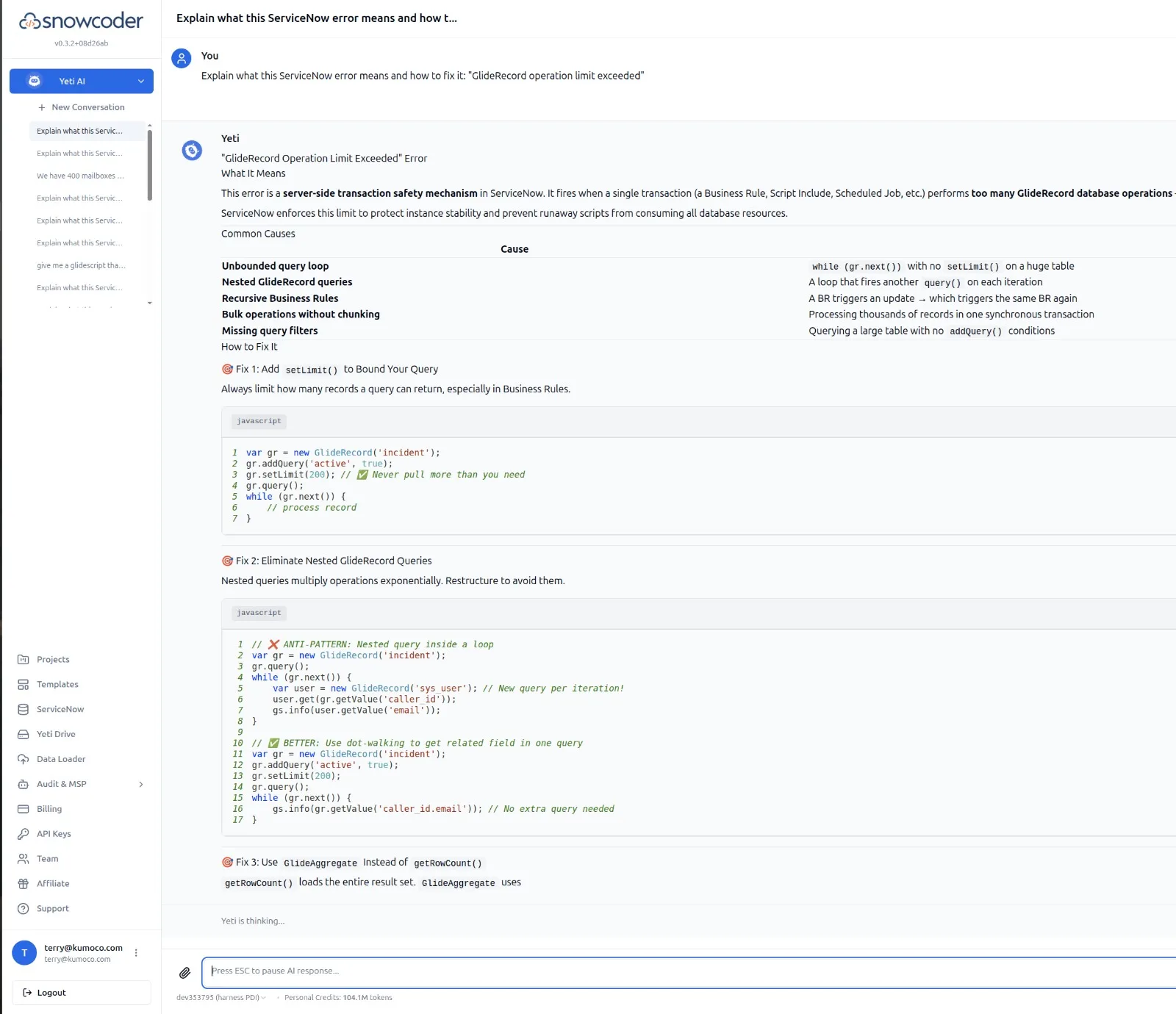
Yeti Chat in SnowCoder catches all five at generation time. It is also a fast diagnostic tool when a rule is misbehaving in a sub-prod instance.
The AI-Assisted Workflow
Writing a Business Rule by hand is fine for trivial logic. For anything more involved, an AI-assisted workflow halves the round trips. SnowCoder is 60% more accurate than generic LLMs across 120+ ServiceNow benchmarks because the model is grounded in a 100,000+ vector ServiceNow knowledge base, not just public web text.
A typical session looks like this:
- Describe the rule in plain language: "Before insert on incident, if priority is 1 and caller is VIP, set assignment_group to VIP Response."
- Yeti Chat (using the Sr Dev hat) returns the IIFE-wrapped script with condition fields suggested.
- Validation pipeline checks syntax, ServiceNow API usage, security patterns, and performance.
- If you want, the Yeti Build Agent commits the script to an update set and runs ATF.
The four AI modes (General, Guru, Thinking, Fast) and four hats (BA, Architect, Security, Sr Dev) let you tune the trade-off between depth and latency. For full background see the getting started guide and the Yeti Chat overview.