
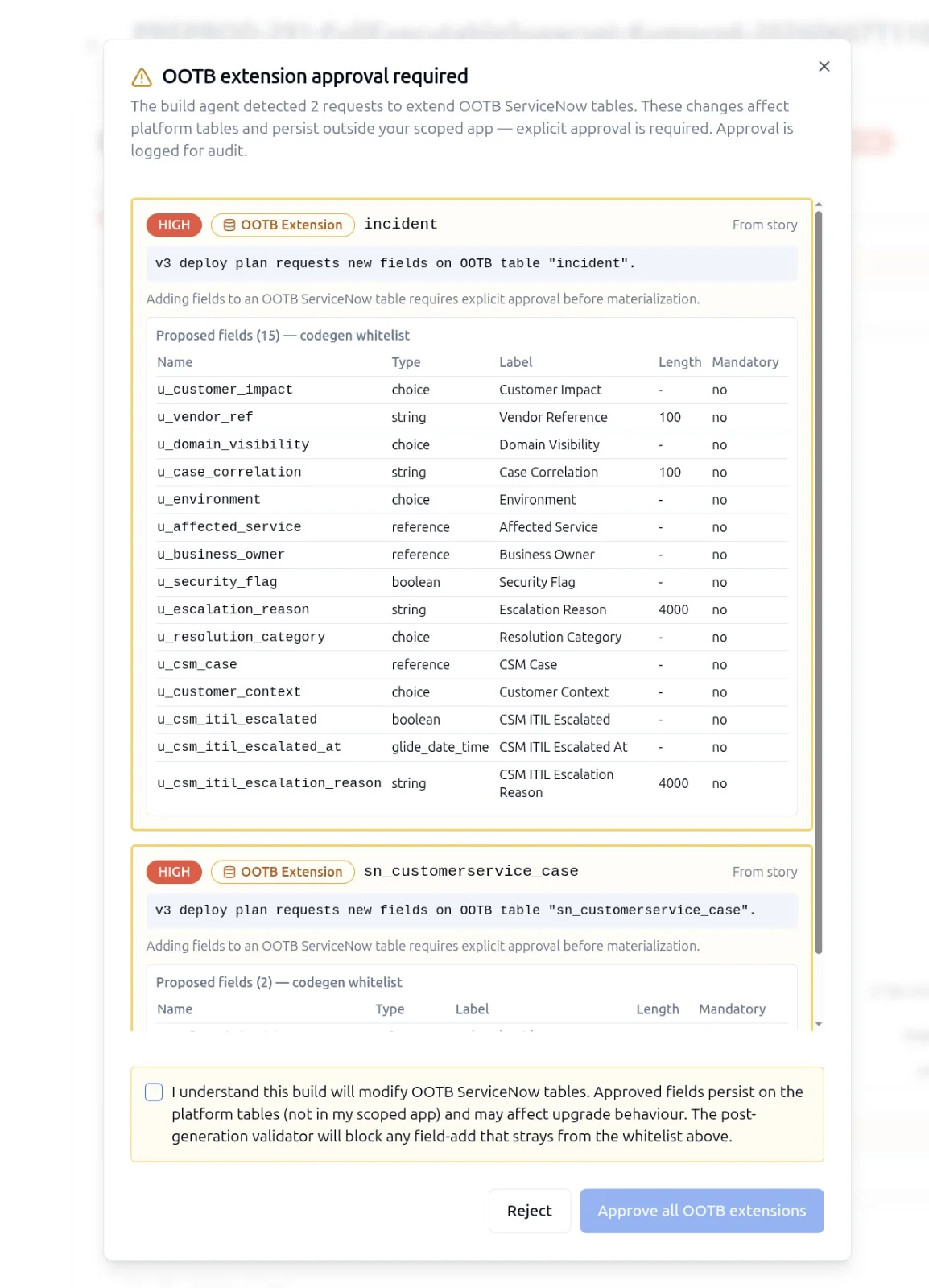
What Counts as a Destructive Change
The word destructive gets used loosely. In SnowCoder it has a precise definition: any change that cannot be reversed by re-running the originating step, or that touches more than a configurable threshold of records in a single operation. That is a longer way of saying: deletions, schema removals, bulk overwrites, and anything that drops a unique constraint or an index.
Concretely:
- Deletion of any record in any custom or scoped table
- Deletion of any sys_dictionary, sys_db_object, or scoped artifact
- Bulk update touching more than the configured threshold (default 10 records)
- Drop of an index, foreign key, or unique constraint
- Removal of an ACL, role, or group assignment
- Field type changes that risk data truncation (string length reduction, choice field consolidation)
- Removal of a script include or business rule referenced from another artifact
Anything in this list triggers the confirmation gate. No exceptions, no override flag, no "trust me" mode.
Where the Gate Sits
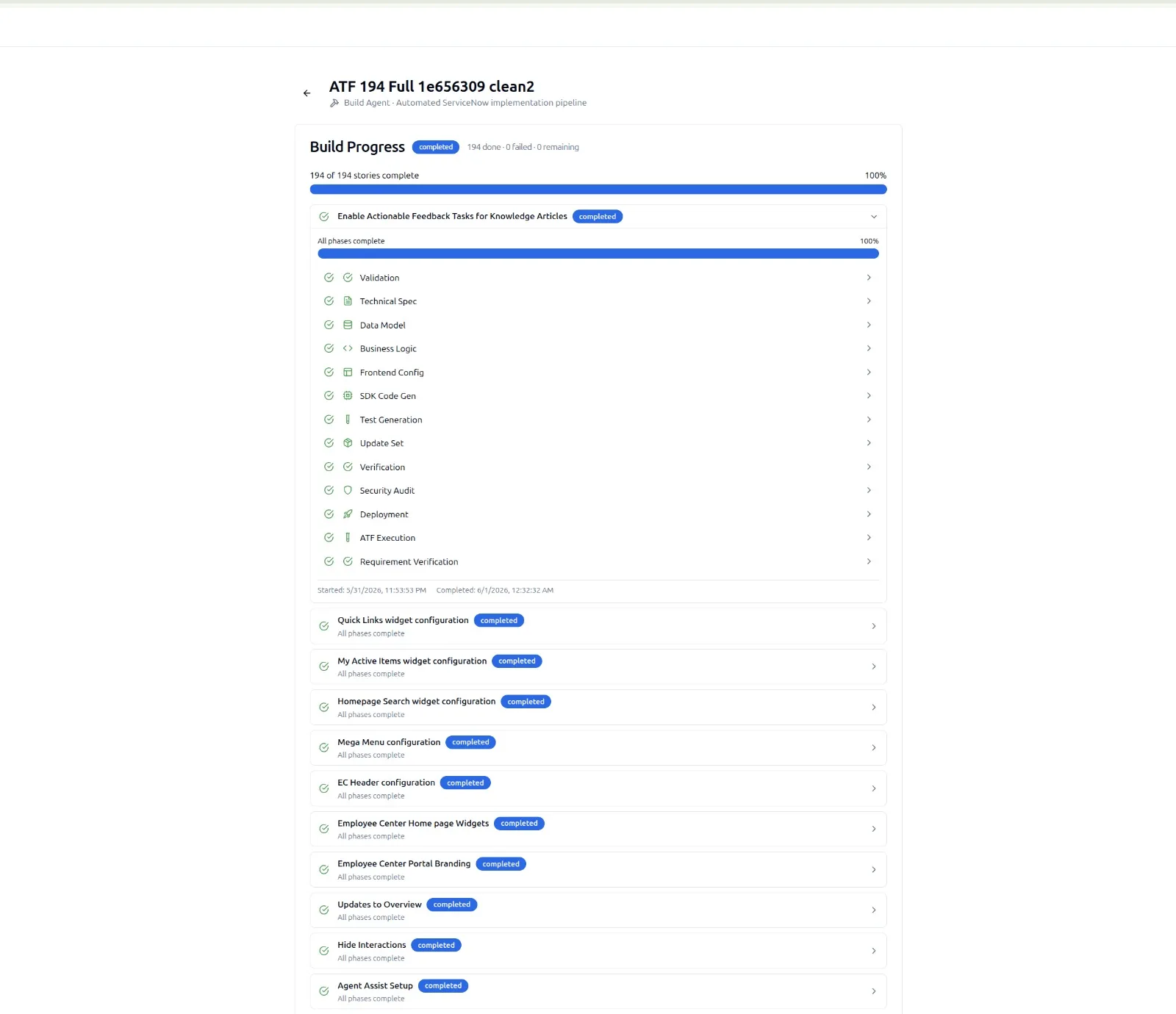
The destructive-change confirmation gate sits between the agent run and the actual write to ServiceNow. It does not sit at the start of the agent run, and it does not sit after the change has landed.
The shape:
Agent Run Lifecycle (simplified)
================================

  1. Pick up story from backlog
  2. Resolve scope against the connected instance
  3. Generate artifact diff
  4. Classify diff: safe | destructive
  5. If safe -> apply, log, move on
  6. If destructive:
       a. Pause run
       b. Post approval request with:
          - Story reference
          - Diff payload (record count, fields, before/after)
          - Reason for destructive classification
          - Estimated blast radius
       c. Wait for human approval
       d. On approve  -> apply, log, move on
          On reject   -> rollback context, mark story failed
          On timeout  -> rollback context, mark story pending
The gate is synchronous within the agent run. The agent does not move on to the next story until the destructive step has been resolved one way or the other.
The Diff Payload That Goes to the Approver
An approval gate is only useful if the approver can answer the question "what exactly am I approving?" without leaving the gate. The diff payload that reaches the human carries the full picture.
{
  "story_id": "STORY-014",
  "story_title": "Decommission legacy supplier table",
  "classification": "destructive",
  "destructive_reasons": [
    "table_deletion",
    "referenced_by_existing_business_rule"
  ],
  "scope": {
    "table": "x_legacy_supplier",
    "record_count": 412,
    "dependent_artifacts": [
      "br_supplier_audit_log",
      "client_script_supplier_form_init"
    ]
  },
  "diff": {
    "drop_table": "x_legacy_supplier",
    "drop_dictionary_rows": 18,
    "remove_acls": 4
  },
  "estimated_blast_radius": "412 records, 22 artifacts",
  "rollback_plan": "Update Set XML attached"
}
The approver sees the table being dropped, the count of records affected, the artifacts that depend on the table, and the rollback Update Set that will be created automatically if approval is granted. The decision becomes a real engineering judgement instead of a reflexive click.
Why a Single Gate Is Better Than Many
A common alternative pattern is to sprinkle smaller approval prompts throughout an agent run. SnowCoder deliberately does not do that. Multiple small gates train the approver to click through them. A single, well-scoped, well-explained destructive-change gate carries weight. It interrupts. It demands real attention.
The data on click-through fatigue is unambiguous. The more confirmation prompts a user sees in a session, the lower their attention per prompt. By restricting the gate to genuine destructive changes - using the precise definition above - SnowCoder keeps the signal-to-noise ratio high.
That is also why the gate cannot be bypassed by configuration. The default behaviour is the only behaviour. The product makes the same promise to every customer.
How the Gate Interacts with the Token Budget
The destructive-change gate is one of four commercial safeguards in SnowCoder. The other three reinforce it. The token budget hard stop is the most relevant peer.
When a destructive-change gate fires, the agent stops consuming tokens against the original story. The waiting state holds against the token budget as a no-cost pause. This avoids the failure mode where an agent uses its entire budget waiting for an approval that never comes, leaving no headroom to actually execute when approval is granted.
If approval is granted after the budget has been topped up, the agent resumes from the gate. If approval is denied, the agent rolls back its in-flight context and marks the story as failed in the backlog. No silent state lingers.
The Yeti Equivalent: Same Idea, Interactive Surface
Yeti Chat carries the same gate, just in interactive form. When a user asks the chat to perform an action that meets the destructive-change definition - for example, "Update the priority to 1 for the last 50 incidents assigned to the Network team" - Yeti pauses, shows the scope and the diff, and waits for an explicit confirmation.
The check is identical to the one in the agent lane. The two-lane model means the implementation lives in two different places, but the policy is one.
How This Pattern Earns Its Keep
A well-designed destructive-change gate pays for itself the first time it catches a faulty story. The shape of the savings:
- The cost of a bad agent run that drops a table without confirmation: a full restore from backup, plus a stand-up explaining the incident to the customer, plus a credibility hit
- The cost of approving a gate once a week: 30 seconds per approval, with full diff context already in hand
That trade is the entire argument. The gate exists not to slow people down, but to make the "accidental table drop" impossible by construction.