
Why Catalogue Work Dominates the Backlog
The Service Catalogue (sc_cat_item, sc_category, item_option_new, plus the request and RITM tables) is one of the highest-volume workflows on any ServiceNow platform. New catalog items appear every sprint. Existing items need new variables when policies change. Variable sets get refactored. Approval logic needs to mirror updated org charts.
The work is rarely complex on its own. A new laptop request item is a category, a record, a handful of variables, a variable set or two, some UI policies that show or hide options, a workflow or flow that orchestrates approvals and fulfilment, and a confirmation. None of that is hard to write. The friction is that every item touches a dozen artifacts and several configuration pages. Multiply that by 80 items a year and you have a real capacity drain.
This is the kind of work AI was made for: repetitive, schema-aware, and high in editorial decisions per line of code.
From Intake Note to Working Item
The best place to start with AI on catalogue work is the intake step. Most catalog requests arrive as an email, a Confluence page, or a Teams message. The Business Analyst hat in Yeti Chat is designed to take that informal brief and produce a structured spec.
Suppose your input is:
"We need a catalog item for ordering a monitor. Choices are 24-inch, 27-inch, or 32-inch. Anything over 27-inch needs manager approval. Fulfillment is the IT Asset team. Capture cost centre, building, and desk."
Yeti Chat with the BA hat returns a spec covering category placement, variables with types and defaults, UI policy rules (show desk if building is selected, require manager approval if size is 32-inch), an assignment group, and the resulting RITM and SCTASK flow. From there you can switch to the Sr Dev hat and generate the artifacts themselves. The four hats are documented on the Yeti Chat page.
The output is not a screenshot. It is a structured artifact set you can install through an update set or, in the Enterprise tier, build directly through the Yeti Build Agent.
A Catalog Item, End to End
Here is what a monitor request item looks like when emitted by the Yeti Build Agent as Fluent SDK source, which is the canonical form for supported metadata. The agent targets 42 artifact types and uses first-class Fluent APIs where the current SDK exposes them.
import '@servicenow/sdk/global';
import {
    CatalogItem,
    CatalogUiPolicy,
    MultiLineTextVariable,
    SingleLineTextVariable,
    SelectBoxVariable
} from '@servicenow/sdk/core';
import { hardwareCategory, serviceCatalog } from './catalog-structure.now';
import { itAssetGroup } from './groups.now';
import { monitorRequestFlow } from './flows/monitor-request-flow.now';

export const monitorRequest = CatalogItem({
    $id: Now.ID['monitor_request'],
    name: 'Monitor Request',
    shortDescription: 'Request a new monitor',
    catalogs: [serviceCatalog],
    categories: [hardwareCategory],
    flow: monitorRequestFlow,
    fulfillmentGroup: itAssetGroup,
    variables: {
        monitor_size: SelectBoxVariable({
            question: 'Monitor size',
            choices: {
                '24-inch': { label: '24-inch', sequence: 100 },
                '27-inch': { label: '27-inch', sequence: 200 },
                '32-inch': { label: '32-inch', sequence: 300 }
            },
            defaultValue: '27-inch',
            mandatory: true,
            order: 100
        }),
        cost_centre: SingleLineTextVariable({
            question: 'Cost centre',
            mandatory: true,
            order: 200
        }),
        manager_note: MultiLineTextVariable({
            question: 'Manager note',
            order: 300
        })
    }
});

export const requireManagerApproval = CatalogUiPolicy({
    $id: Now.ID['require_manager_approval_for_32_inch'],
    catalogItem: monitorRequest,
    shortDescription: 'Require manager approval for 32-inch monitors',
    catalogCondition: 'monitor_size=32-inch^EQ',
    actions: [{
        variableName: monitorRequest.variables.manager_note,
        mandatory: true,
        visible: true
    }],
});
The associated approval logic belongs in the fulfillment flow or a custom action called by that flow. A server-side helper for the 32-inch path can still be generated from the same brief, with the manager lookup wired in explicitly.
// Approval rule script: Monitor Request 32-inch path
(function evaluateApproval(current) {
    var size = current.variables.monitor_size.toString();
    if (size === '32-inch') {
        var requester = new GlideRecord('sys_user');
        if (requester.get(current.requested_for)) {
            return requester.manager.toString();
        }
    }
    return null;
})(current);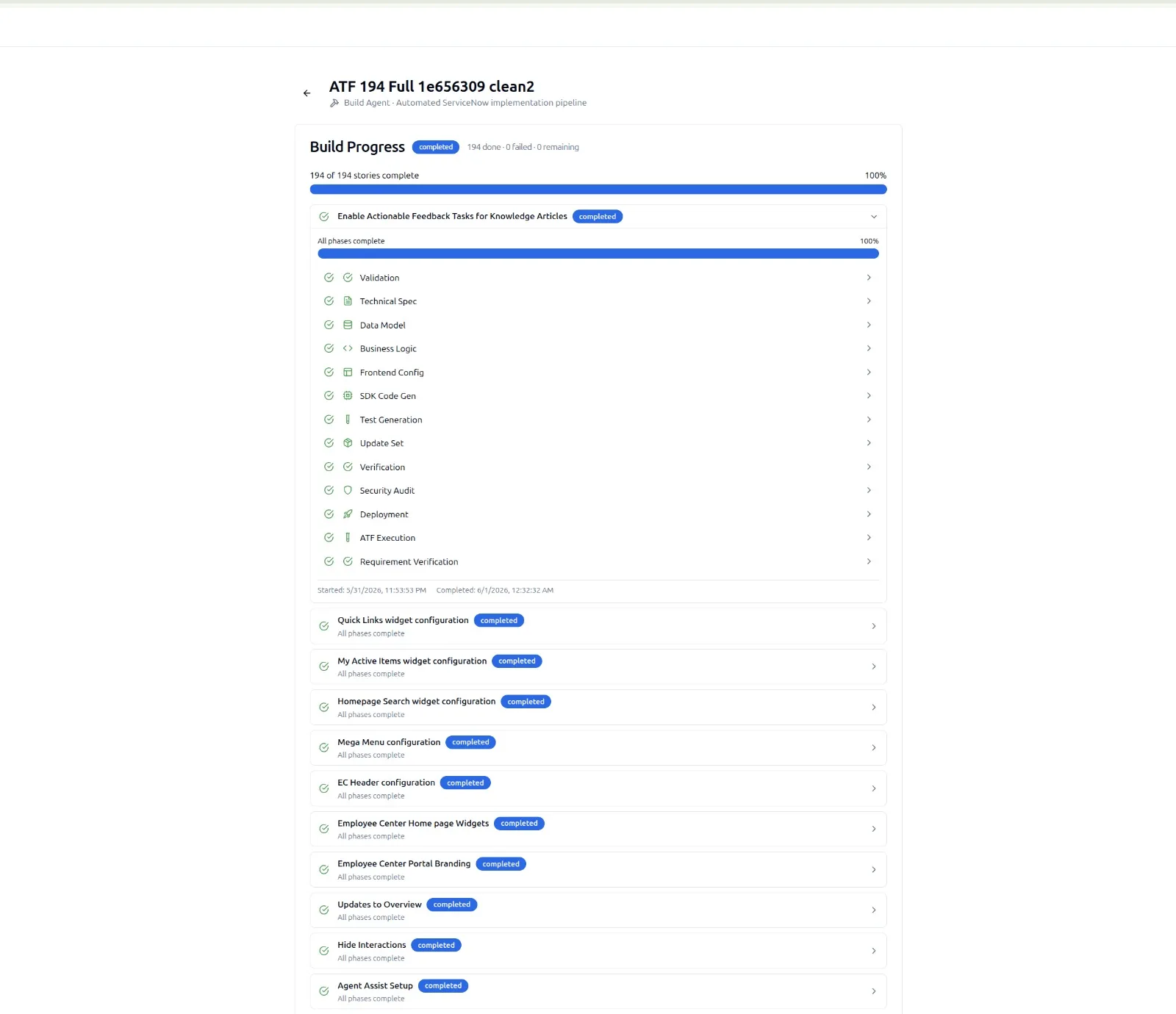
Tests, ACLs, and the Bits You Forget
The hard truth about catalog work is that the parts people skip are the parts that bite later. Variable validation logic, ACL coverage on custom tables that the catalog item writes to, RITM stage handling, and ATF coverage of the path from request to fulfilment.
When the Yeti Build Agent runs the catalog brief through its 10-stage pipeline, three of those stages exist specifically to close that gap:
- Stage 7: ATF Testing. Generates ATF tests for the happy path and at least one negative path per branch. For the monitor item, that includes "submit with size 24-inch and verify no approval is created" and "submit with size 32-inch and verify the requester's manager receives an approval."
- Stage 8: Update Sets & Verification. Captures every artifact (catalog item, variables, variable sets, UI policies, workflow nodes, ACLs) and confirms the captured set is complete. Catalog items are notorious for missing variable sets or detached UI policies. This stage will not let the build advance if anything is dangling.
- Stage 9: Security & Script Audit. Runs the same kind of check that the wider Instance Audit applies. For catalog items this means ACL coverage on any custom tables the item touches and a review of evalScript usage in approval logic. The full instance-wide product, including the 500+ granular checkpoints, is described on the Instance Audit page.
Across our internal 291-story build benchmark, catalog-shaped stories see the largest deltas in test coverage when humans build them by hand versus when the pipeline does. The pipeline simply does not forget the negative paths.
Where AI Helps Most on Catalogue Work
The pattern that consistently delivers the biggest gains is to use AI across the whole lifecycle, not just code generation:
- Intake refinement. Yeti Chat with the BA hat turns informal briefs into structured specs. Stops the "but what about cost centre?" back-and-forth.
- Variable design. Yeti Chat suggests variable sets that already exist on the instance, reducing duplication. This is where the 100,000+ vector ServiceNow knowledge base and 17,000+ code examples behind the SnowCoder model show up, alongside the 60% accuracy lift on the 120+ ServiceNow benchmarks tracked on the benchmarks page.
- Workflow generation. Whether you use Flow Designer or classic Workflow, the Sr Dev hat generates the approval and fulfilment paths from the spec.
- Build and package. The Yeti Build Agent emits the entire item as Fluent SDK source and a verified update set. Detail on the pipeline lives on the Yeti Build Agent page.
- Run-state hygiene. MSP Agents run scheduled checks on catalog items that are failing, abandoned, or misconfigured. The eight agents (six scheduled, two on-demand) are described on the MSP Agents page.
A Realistic Adoption Path
You do not need to swap your whole catalog process overnight. A good adoption sequence:
- Pilot Yeti Chat on intake refinement for the next 10 catalog briefs. Measure how much rework you avoid in sprint planning.
- Use the chat to generate variable sets and UI policy scripts for those 10 items. Compare estimated build time against your historical baseline.
- Move at least three of them through the Yeti Build Agent end to end. Validate that ATF coverage and update set completeness meet your governance bar.
- Roll the pattern out as a standard for new catalog work. Keep the human reviewer in the loop on every change. The pipeline is faster, not autonomous.
A full adoption framework, including ROI shape and milestone gates, lives on the Path to Value page.